Native, not embedded
Sections, divs, headings, images and classes, all editable in Designer like anything you built there.
Flowwtools is an online HTML to Webflow converter that rebuilds a page of HTML, CSS and JavaScript as editable Webflow content: sections, styles and classes you can keep building on inside Designer.
Built for one page at a time · Free to use
Webflow's clipboard needs its own native format. Without a translation step, every generated section gets rebuilt by hand, class by class, undoing most of what AI saved you.
Sections, divs, headings, images and classes, all editable in Designer like anything you built there.
Runs in the browser. No plugin, no extension, no Designer setup. The result lands on your clipboard.
GSAP, ScrollTrigger and custom scripts come across as embeds and run on publish. Nothing is dropped.
Flowwtools is built around a single page: a landing page, a hero, a pricing block, or one exported Webflow page. Cleaner input, cleaner output.
Standalone HTML from Claude, ChatGPT, Cursor, or Gemini lands as real Webflow structure, not an embed.
Bring one exported page back in. Head styles and scripts route to the right editors. Reuse across pages may need class cleanup.
Move a hand-written page or single component into Designer without recreating its classes and layout by hand.
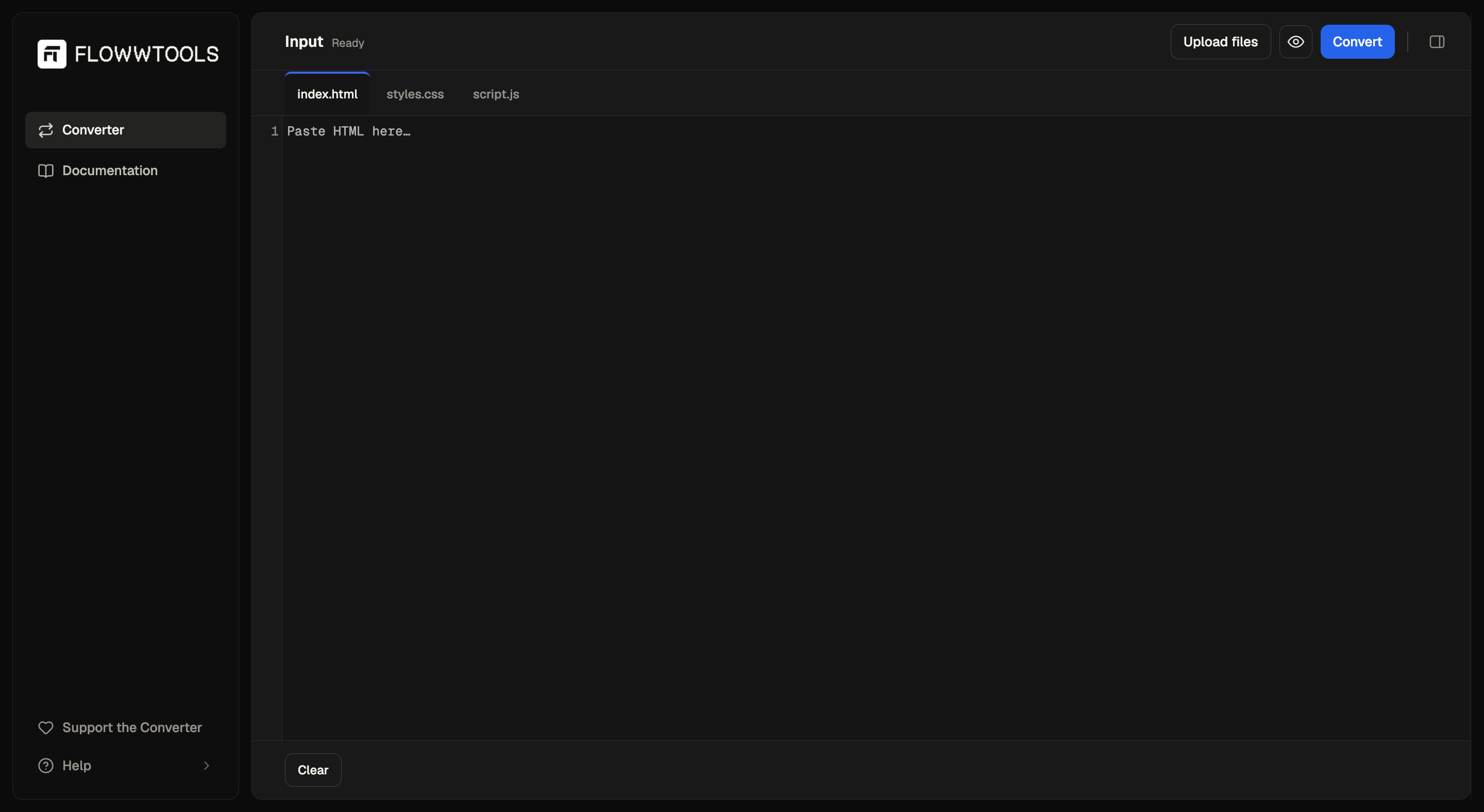
Paste or upload your files, preview across breakpoints if you want, then convert. The result is copied to your clipboard as native Webflow content.
Drop HTML, CSS and JS into the editors, or upload files. A full Webflow export works too.
Check the layout at Desktop, Tablet and Mobile before you convert.
Flowwtools rebuilds the structure as native Webflow elements and copies the result to your clipboard.
⌘ V into any section. Styles, classes and layout come across editable. Keep building in Webflow.
You generate the code. Webflow ships the site. Flowwtools is the translation layer that hands the code to Webflow as editable elements. Nothing more, nothing less.
 Flowwtools
The output isn't wrapped in an Embed block. It's the same clipboard payload Designer produces itself: parsed, styled and ready to edit.
Classes map to Webflow classes. Hover, focus, transitions and keyframes come across as native styles.
Collection-style layouts land as wrapper + item divs. Swap in a real Collection List and connect fields.
Render the page at Desktop, Tablet and Mobile inside Flowwtools to spot layout issues before pasting into Designer.
There's a built-in prompt tuned for the converter, so you get cleaner HTML from ChatGPT, Claude, Cursor, or Gemini, then land it as native Webflow elements in one paste.
ChatGPT · Claude · Cursor
Prompt for a page. Get HTML and CSS back.
Flowwtools
Convert HTML and CSS into Webflow-ready structure.
Refine · Ship
Continue building with real structure and classes.
Three tools are live and free. Direction after that is shaped by what people actually need, so send feedback and it lands on the roadmap.
Convert HTML, CSS and JavaScript into native Webflow elements. Free to use, just sign in to get started.
Rich Text Styler and CSS Unit Converter. No account, runs in your browser.
Advanced controls for serious Webflow builds. Shape is still forming and early access opens the door.
More utilities for the AI-era Webflow workflow. What ships next depends on what people ask for most.
How much of your page stays editable in Webflow depends on the code you paste in. The built-in prompt steers AI toward output the converter can turn into real elements.
Section, header, article, nav and footer: the tags Webflow understands as native elements.
Named classes over tag or ID selectors, so the Style panel picks them up cleanly after paste.
Wrap output in a single root element. Full sections convert more reliably than isolated fragments.
Flowwtools is tuned for a single HTML document with its CSS and JavaScript in place. Feed it that and most of the page comes across as native Webflow content.
Vanilla HTML, CSS and JavaScript in one page. It's the format we test against. Everything the docs recommend applies here.
GSAP and ScrollTrigger come across as embeds. They don't run inside Designer, but execute on preview and on your published site.
Collection-shaped divs come through ready to swap for a real Collection List, with the layout intact and easy to wire up.
“In the AI era, building faster is the need. Flowwtools moves Webflow builders in that direction.”Flowwtools · product direction
No. Flowwtools gives you a faster starting point. You continue building and refining the site in Webflow.
A single HTML page with its CSS and JavaScript: a landing page, a hero, one exported Webflow page. Flowwtools is built around one page at a time; whole-site exports aren't in scope yet.
Scripts, including GSAP and ScrollTrigger, are preserved as Webflow embeds. They don't run inside Designer, but execute normally on Preview (with Render custom code) and on your published site.
Yes, that's the primary workflow. Use the built-in prompt with Claude, ChatGPT, Cursor, or Gemini to get output tuned for reliable conversion.
Flowwtools is under active development. Most pages convert cleanly; some edge cases still won't. If something looks off, send it through the Report a bug form and it goes straight into the fix queue.
Only for the Converter. Sign in with your email or with Google; with Google we receive only your name, email address and profile picture, used solely to create your account and sign you in. The Rich Text Styler, the CSS Unit Converter and the rest of the site need no account. See the Privacy Policy for details.
Yes, every tool is free to use. A Pro tier will come later and early-access sign-ups help shape what goes into it.
Free to use. No plugin, no Designer setup. Or sign up for early access to Pro.
More Flowwtools tools are on the way.
Join the waitlist for framework presets, human-named classes and Code Health checks. First invites go out soon.
One email at launch. No newsletter.