What is Code Converter?
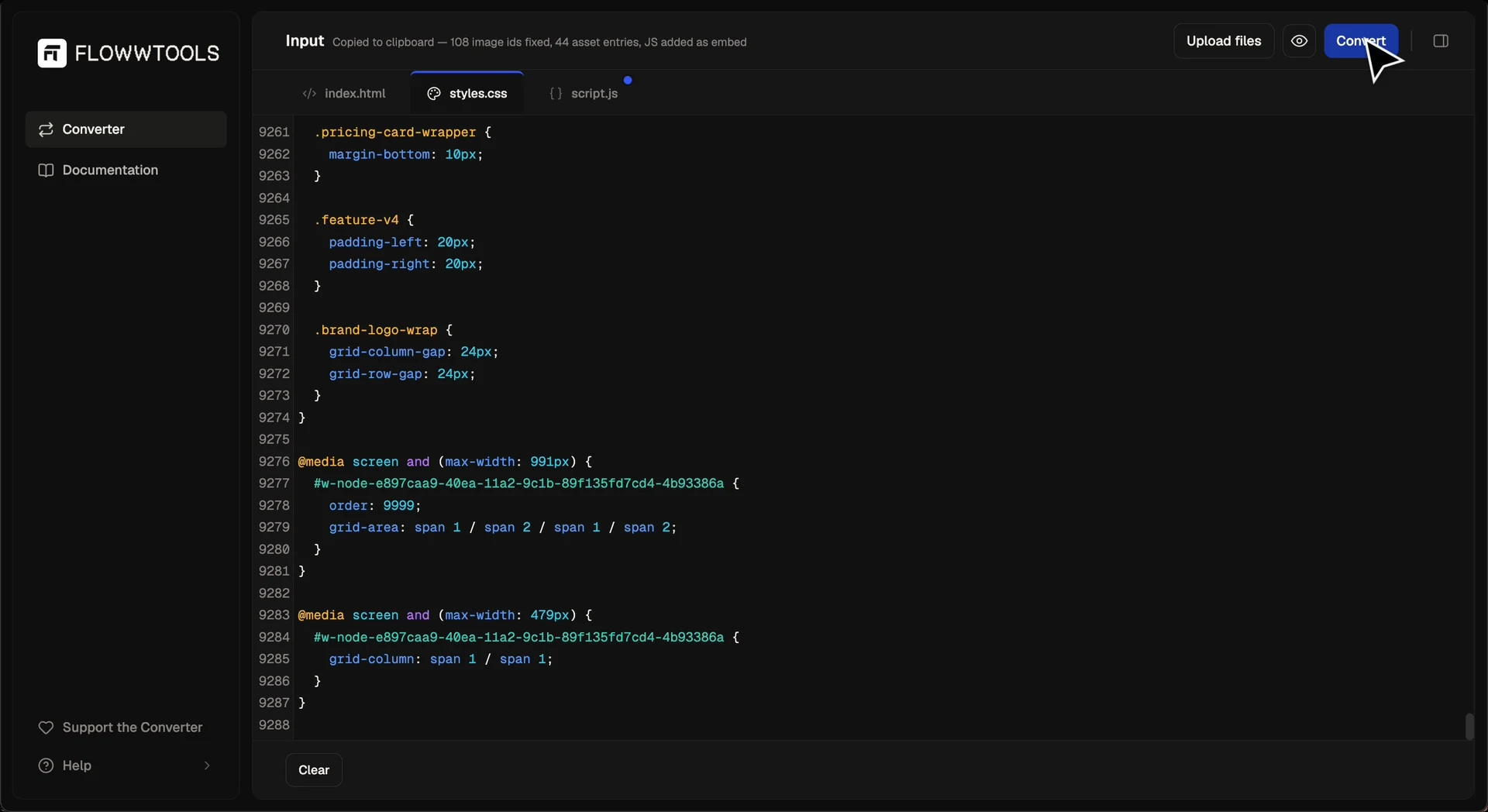
The Code Converter turns HTML, CSS and JavaScript into native Webflow elements you can paste straight into Designer.
Instead of rebuilding AI-generated code by hand or copying styles one class at a time, the converter recreates the structure as editable Webflow elements. Once pasted, your components behave like content you built inside Webflow. You can style, reorganize and extend them using the Designer, whether you're importing a single section or a whole landing page.
AI tools are good at generating HTML, CSS and JavaScript in seconds, but Webflow doesn't import that code as editable elements on its own. Without a translation step, you'd normally rebuild every section by hand inside Webflow, which erases most of the time AI was supposed to save. The converter exists to close that gap: it translates standard web code into Webflow's native clipboard format, so an AI-generated layout becomes editable Webflow content the moment you paste it.
What it converts
The converter accepts HTML, CSS and JavaScript. A complete Webflow export, a multi-section landing page, or a single UI component all work the same way. A successful conversion produces native Webflow elements ready to paste into Designer. Custom JavaScript is preserved as a script embed, while Webflow's own runtime scripts are automatically stripped out so they don't conflict with what Designer already injects.
What makes it different from an Embed block
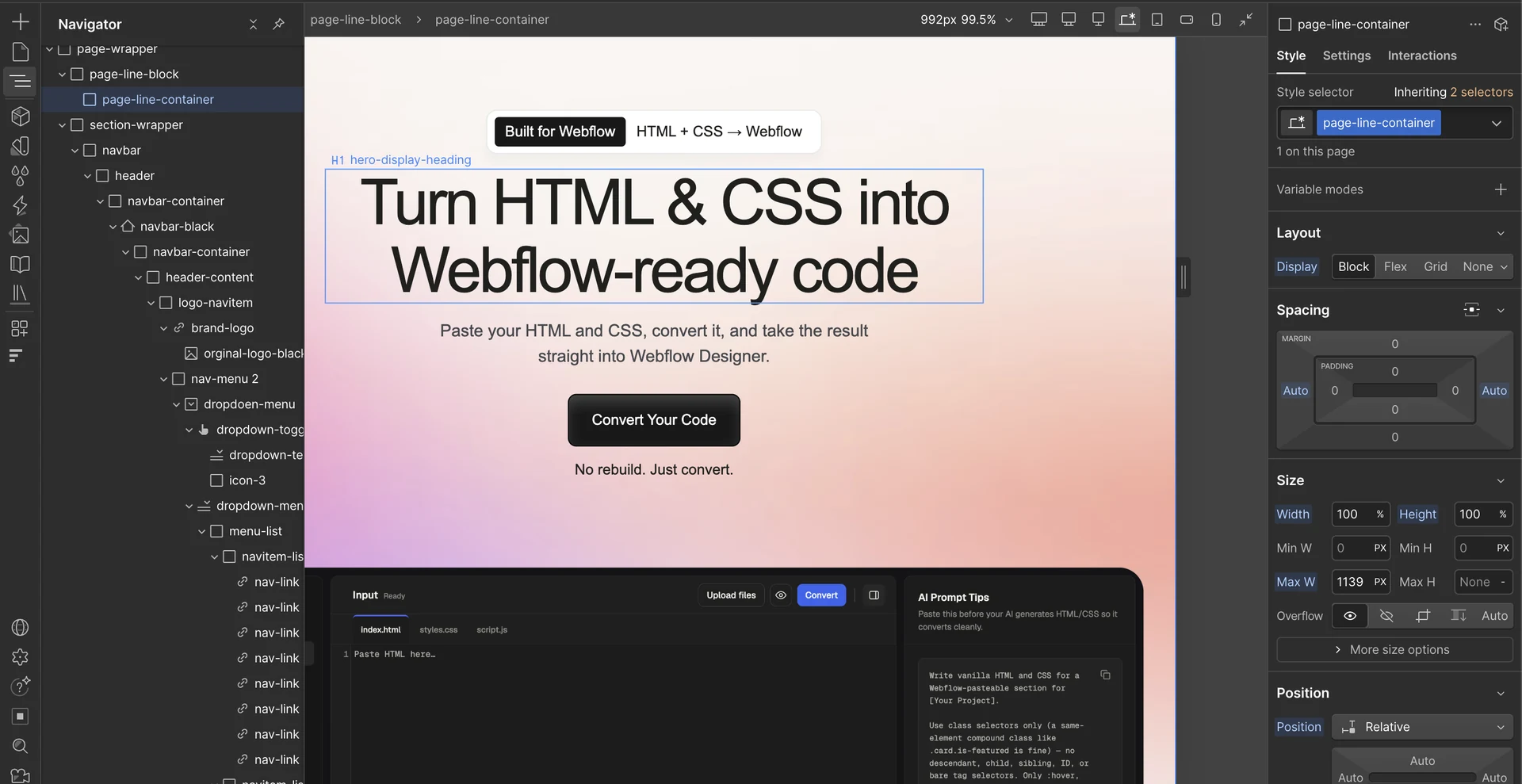
Unlike dropping HTML into a Webflow Embed element, the converter produces native Webflow content you can edit visually in Designer, restyle through Webflow's own styling system, rearrange without touching code and reuse throughout your project. No plugins are required. Convert your code, copy the result and paste it directly into Webflow.
What it's best at
The converter performs best with clean HTML and CSS and is built for complete page layouts rather than isolated fragments. Hero sections, pricing tables, feature grids, testimonials and full landing pages all convert well. For the most reliable results, generate one complete section or page at a time before assembling larger projects inside Webflow.